Jumpido Quiz Help
Get help about using Jumpido Quiz
How to install
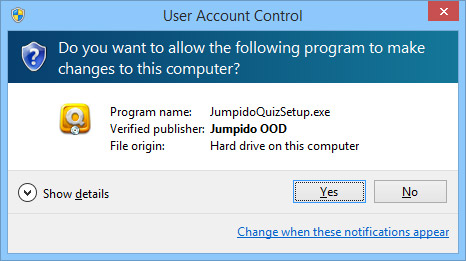
Double-click the downloaded file. Answer YES to the dialog that asks for changes to the computer.
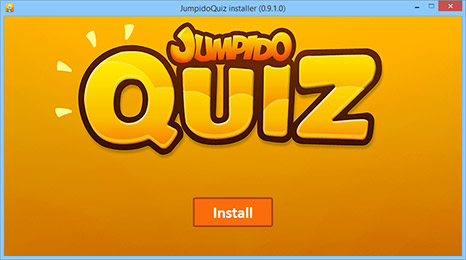
When the setup starts, click the Install button to begin.
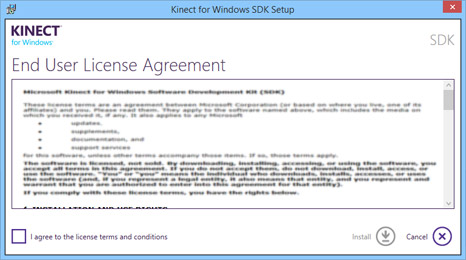
Setup will install the necessary Kinect software. You have to accept the Kinect license agreement to continue.
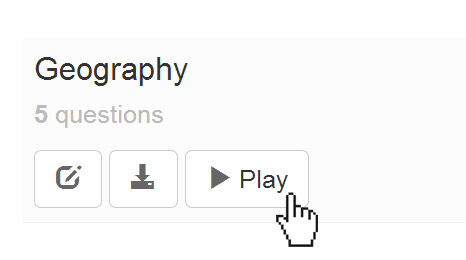
When the installation completes, you can return to your quizzes here. Click Play button to start your quiz.
System requirements
You will need a PC or laptop that match the following:
- Kinect for Windows sensor
- Windows 7 or newer operating system
- Dual-core 2 GHz or faster processor
- 2 GB RAM
- 1 GB free disk space
- Dedicated USB 2.0 bus
- External graphics card (preferred)